
1688Çin
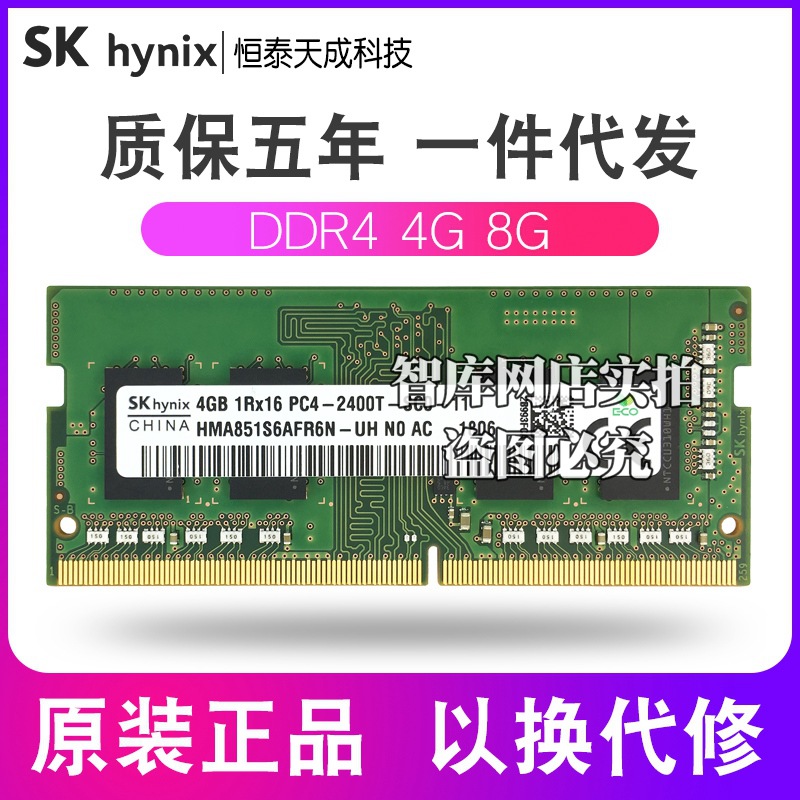
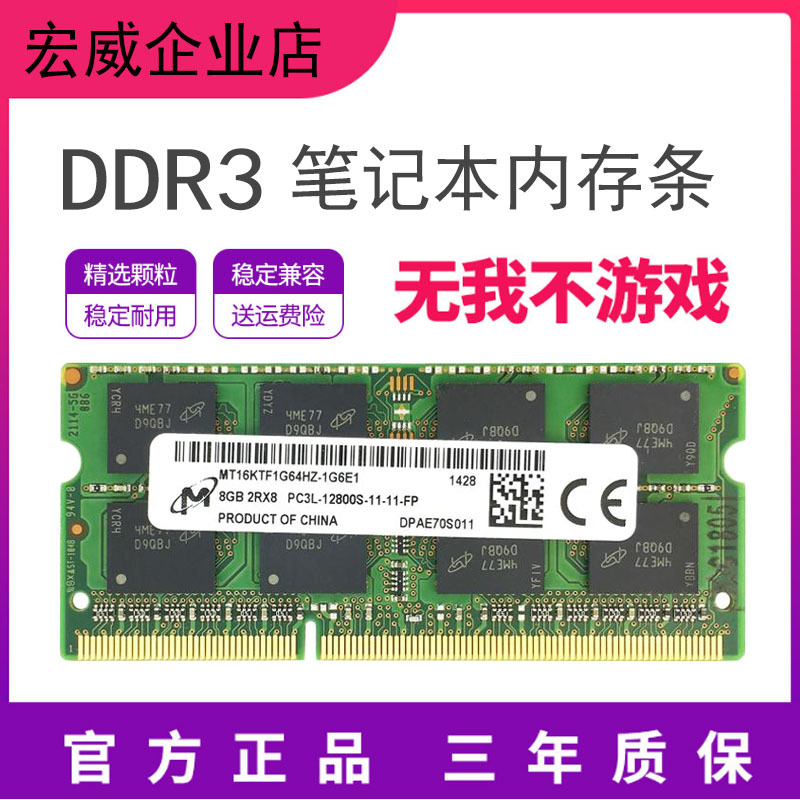
Hyundai SKhynix Hynex DDR4 4GB 2133MHz Laptop Memory 1.2V 8GB
42,97 AZN
Təxmini 10–15 iş günü

Sifarişdən öncə aşağıdakı məlumatlarla tanış olun.
1. Bəyannamə və Gömrük
Bağlama daxil olduqda Smart Customs-da bəyan edin. $300-a qədər sifarişlər gömrük vergisindən azaddır.
2. Qiymət və Çatdırılma
Qiymətə yalnız məhsul və bank xərci daxildir. Karqo real çəkisinə görə ayrıca hesablanır. Çatdırılma 10–15 iş günüdür. Fərqli satıcılardan olan sifarişlər ayrı bağlama sayılır.
3. Məsuliyyət və Geri qaytarma
Məhsul keyfiyyəti və satıcı problemlərinə görə Expargo məsul deyil. Şəkil, rəy və məhsul məlumatlarını yoxlayın. Orijinal mağaza linkindən ətraflı baxın. Asan Sifariş üzrə geri qaytarma mümkün deyil.
Orijinal link4. İstifadə şərtləri
Sifariş verməklə istifadə şərtlərini qəbul edirsiniz.
Kargo bağlama Çin anbarına çatıb tartıldıqdan sonra ayrıca hesablanır. Aşağıdakı tarif dollarla ($), məhsul qiyməti isə manatla (₼) göstərilir.
| Çəki aralığı | Tarif |
|---|---|
| 0–0.1 kq | 3.99 $ |
| 0.1–0.25 kq | 5.49 $ |
| 0.25–0.5 kq | 7.99 $ |
| 0.5–0.7 kq | 8.99 $ |
| 0.7–1 kq | 9.99 $ |
| 1 kq + | 9.99 $/kq |
* Maye məhsullar eyni tarif üzrə hesablanır.
* Bir tərəfinin ölçüsü 60 sm-dən böyük olan bağlamaların daşınma haqqı həm həcm, həm də fiziki çəki əsasında hesablanır və bu göstəricilərdən böyük olanı əsas götürülür.
Çindən sifariş · PRD_ZNZYALPZNP
Expargo sizin adınızdan alır və seçdiyiniz təhvil məntəqəsinə çatdırır.
Expargo bu məhsulun satıcısı deyil. Alışı sizin adınızdan mənbə mağazada həyata keçirir. Beynəlxalq kargo bağlamanın çəkisinə uyğun ayrıca hesablanır. Göstərilən müddət təxminidir.
Variant və miqdar tələbi mənbə mağazadan asılıdır. Tam texniki məlumat mənbədən təsdiqlənir.
Sifarişlər Expargo-nun 1688 dropshipping API-si üzərindən verilir. Məhsulu almazdan əvvəl orijinal linkdən diqqətlə araşdırın və alış qərarını özünüz verin. Expargo satıcı deyil, yalnız daşıyıcıdır.
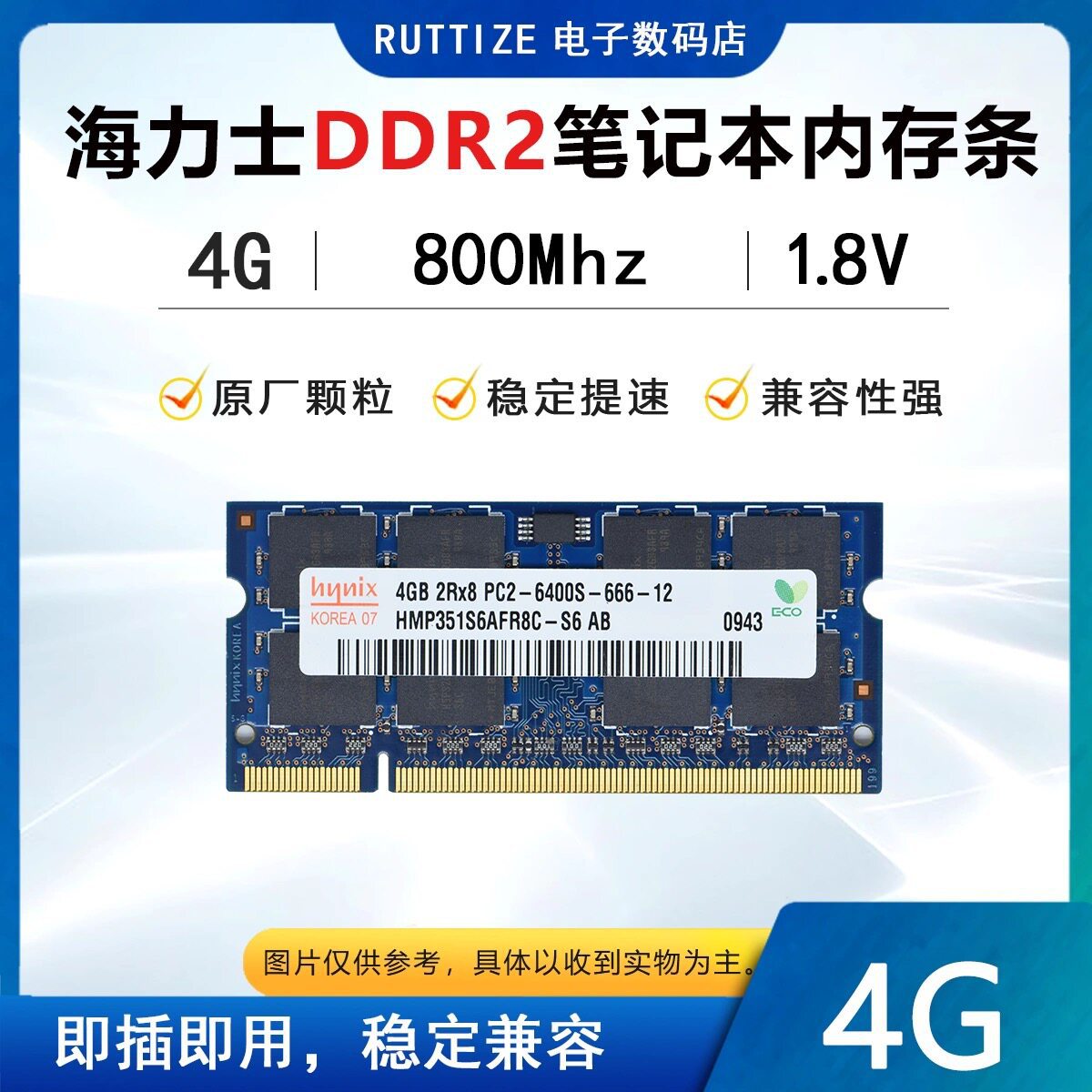
Specifications:Module Type:Laptop Ram Memory For Notebook Capacities:1GB/2GB Speeds:667MT/s Voltage:1.8V Operating Temperature:0°C to 85°C Why is my diagnostic program(CPU-Z etc.)showing that my memory is running at half thefrequency? CPU-Z usually detects the bus frequency of the memory,which is half of the frequency for DDR type memory.DDR(Double Data Rate)data rate provides twice the memory bus frequency.Therefore,if the memory busspeed is 1600MHz and you are using DDR4-3200 memory,the RAM is running at the correct speed. Frequency display in app: PC-2100=DDR 266MHz CPU-Z detection shows:DDR-266(133MHz) PC-2700=DDR 333MHz CPU-Z detection shows:DDR-333(167MHz) PC-3200=DDR 400MHz CPU-Z detection shows:DDR-400(200MHz) PC2-4200=DDR2 533MHz CPU-Z detection shows:DDR2-533(267MHz) PC2-5300=DDR2 667MHz CPU-Z detection shows:DDR2-667(333MHz) PC2-6400=DDR2 800MHz CPU-Z detection shows:DDR2-800(400MHz) PC3-8500=DDR3 1066MHz CPU-Z detection shows:DDR3-1066(533MHz) PC3-10600=DDR3 1333MHz CPU-Z detection shows:DDR3-1333(667MHz) PC3-12800=DDR3 1600MHz CPU-Z detection shows:DDR3-1600(800MHz) PC3-14900=DDR3 1866MHz CPU-Z detection shows:DDR3-1866(933MHz) PC4-17000=DDR4 2133MHz CPU-Z detection shows:DDR4-2400(1067MHz) PC4-19200=DDR4 2400MHz CPU-Z detection shows:DDR4-2400(1200MHz) PC4-21300=DDR4 2666MHz CPU-Z detection shows:DDR4-2666(1333MHz) PC4-25600=DDR4 3200MHz CPU-Z detection shows:DDR4-3200(1600MHz) PC5-38400=DDR5 4800MHz CPU-Z detection shows:DDR5-4800(2400MHz) PC5-41600=DDR5 5200MHz CPU-Z detection shows:DDR5-5200(2600MHz) PC5-44800=DDR5 5600MHz CPU-Z detection shows:DDR5-5600(2800MHz) PC5-48000=DDR5 6000MHz CPU-Z detection shows:DDR5-6000(3000MHz) Packing List: 1PCS Ways: If the Memory Appears: Blue Screen, Crash, Restart, Long Alarm Sound, Please Operate as follows, if not, it is determined to be incompatible: 1. The memory is not inserted properly, or the connecting finger is oxidized. Use the eraser to erase the memory connecting finger and then reinsert it, or change the slot; 2. The memory slot is dusty or oxidized. Use a brush and wash water to clean it (If you don't wash the water, just brush it off) 3. The memory is not compatible, try another memory. 4. CMOS is not discharged to restore the factory settings, maybe it is normal (the motherboard battery can be removed, and then installed again). 5. The motherboard is not compatible with the CPU, try another CPU Note: This memory stick is suitable for some older computers. During actual use, there may be compatibility issues that prevent the computer from turning on, or it may automatically run at a reduced frequency. For instance, an old computer with 256MB May not support a single 1GB capacity stick, and an old computer with 2G May not support 4GB or 8GB. However, the computer will automatically run the memory at the most suitable capacity and frequency. Whether it can be used as desired depends on the configuration information of the motherboard provided by the motherboard provider. For instance, the frequency of DDR1 at 400MHz might operate at 333MHz and 266MHz, that of DDR2 at 800MHz might run at 667MHz and 533MHz, and that of DDR3 at 1600MHz might run at 1333MHz and 1066MHz. All of these are normal phenomena. The computer will not be affected in normal use due to a slight difference in frequency.
Qiymət və mövcudluq alışdan əvvəl yenidən yoxlanılır. Dəyişiklik olarsa, təsdiqiniz istənilir.
Təxmini 10–15 iş günü
Təxmini 10–15 iş günü
 Min. 5 ədəd
Təxmini 10–15 iş günü
Təxmini 10–15 iş günü
Təxmini 10–15 iş günü
 Min. 2 ədəd
Təxmini 10–15 iş günü